One place for your
tasks & thoughts.
The simplest way to keep tasks and notes together. Opens every time you open a tab. Free, fast, and always there when the thought happens.
Write it before it's gone.
Your new tab · Built for focus
- —You wrote it down. Just not anywhere you can find it now.
- —The task is done. But why you made that call? Gone.
- —Your notes are in one app. Your todos are in another. Your brain is somewhere in between.
- —You opened Notion. You ended up reorganising folders.
Simple enough that
you'll actually use it.
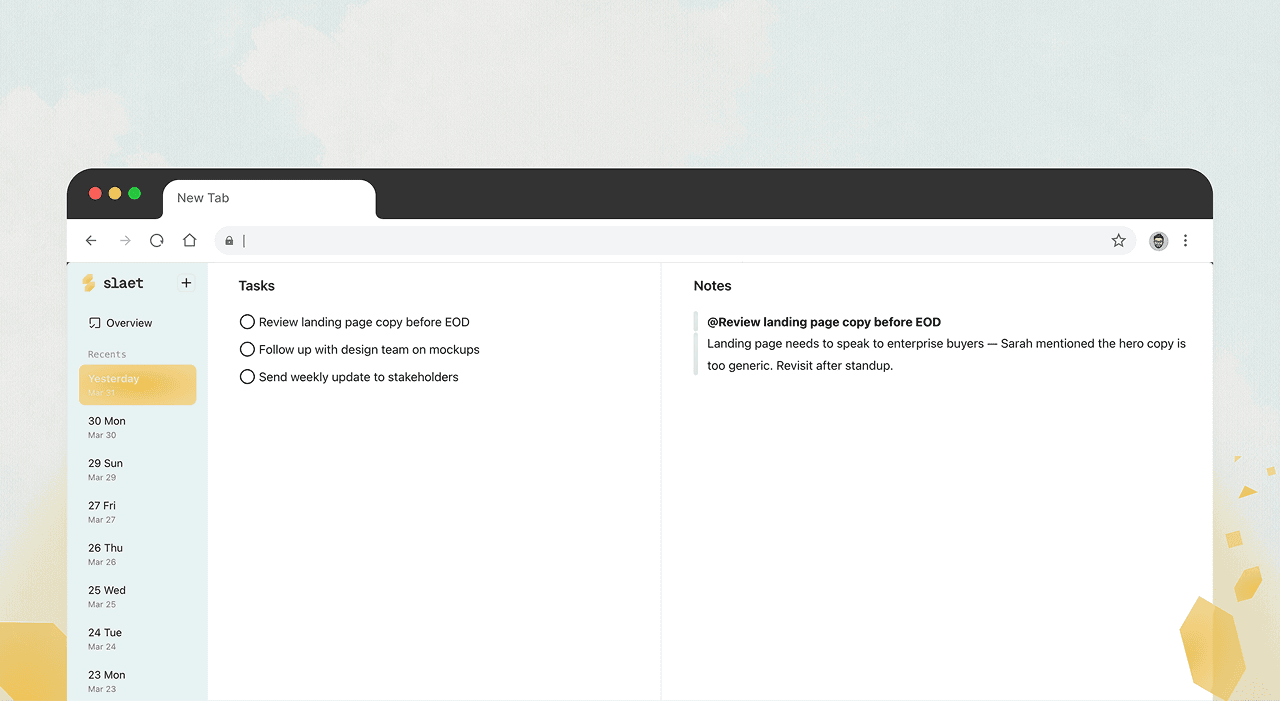
Tasks and notes
in every new tab.
Every time you open a tab, Slaet is already there. Tasks on the left. A space to write on the right. No app to hunt for, no setup, no friction. Just start.
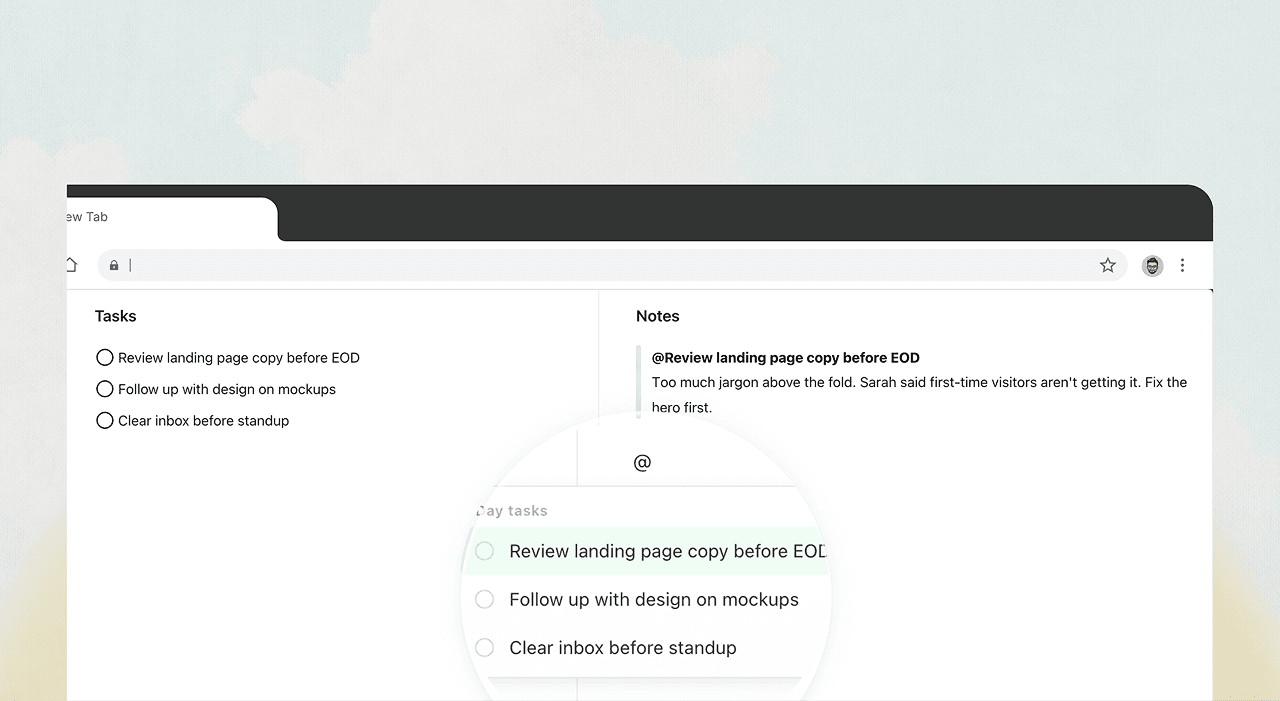
Add context alongside
every task.
Not just a title. Write the reason, the decision, the thing you'll forget by Friday — right under the task. It stays attached, no matter which day you come back to it.
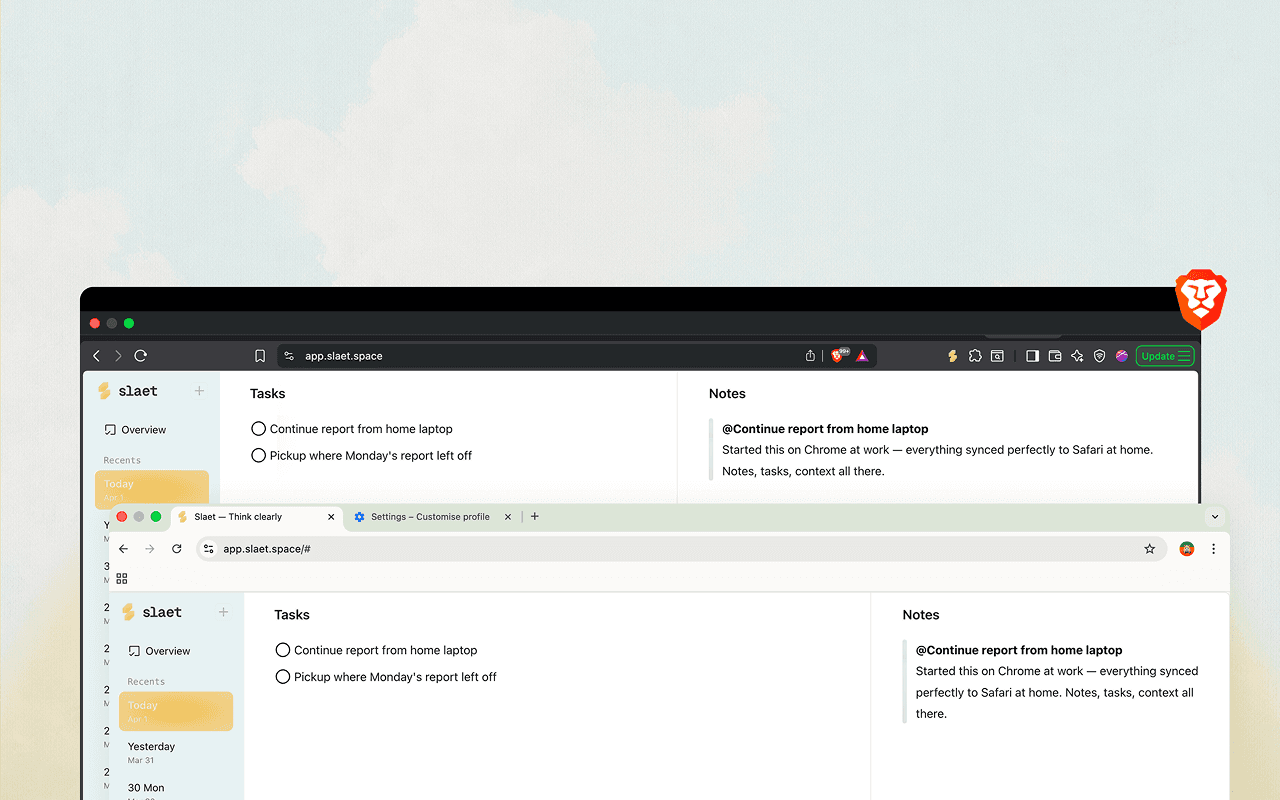
Save locally or sync
across every browser.
Works offline by default. Sign in when you're ready to sync across Chrome, Brave, Edge — or any device.
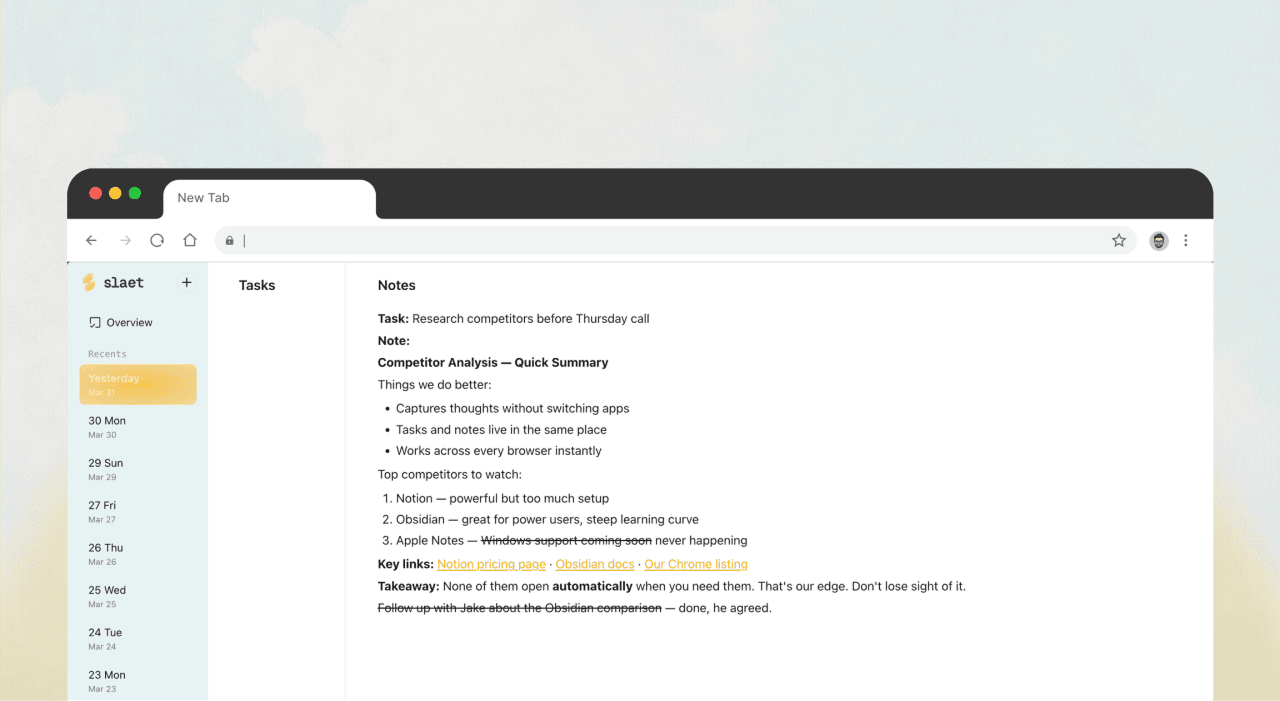
Copy from ChatGPT or Notion
— pastes clean.
No junk formatting, no mystery line breaks. Copy from wherever you're working and it lands exactly as you'd write it yourself.
Free forever · No account required · Works on any Chromium browser
Thinking out loud.
The Best Apple Notes Alternative for Windows in 2026 (That Doesn't Overwhelm You)
Apple Notes works because it stays out of your way. Most Windows alternatives do the opposite. Here's an honest look at what actually comes close.
How to Take Notes While Browsing Without Switching Apps
You open a tab to look something up. Then another. Then three more. Somewhere in there was an idea worth keeping — but it's gone now, buried under 14 open tabs.
Can't Focus on One Thing? How to Stay Organized and Actually Get Things Done
Your brain is running twelve threads at once. You have things to do, thoughts firing in every direction, and every productivity app you've tried has made it worse — not better.
Why Productivity Apps Kill Your Habits Before They Start
You've tried Notion. Todoist. Maybe Obsidian. You set it up, used it for three days, and then quietly stopped. It wasn't laziness. The app got in the way.
Your tasks.
With everything around them.
Install the Chrome extension or open the web app. No account needed. No setup. Works in under a minute.
— or get notified when new features ship —
No spam. Updates only when something real ships.