
How Slaet compares to the apps you're probably already using
Every comparison says where the other tool wins, because on at least one thing it does. Claims about each app are read from its own site and dated, so you can check them.
Photo by Stephen Crane on Unsplash
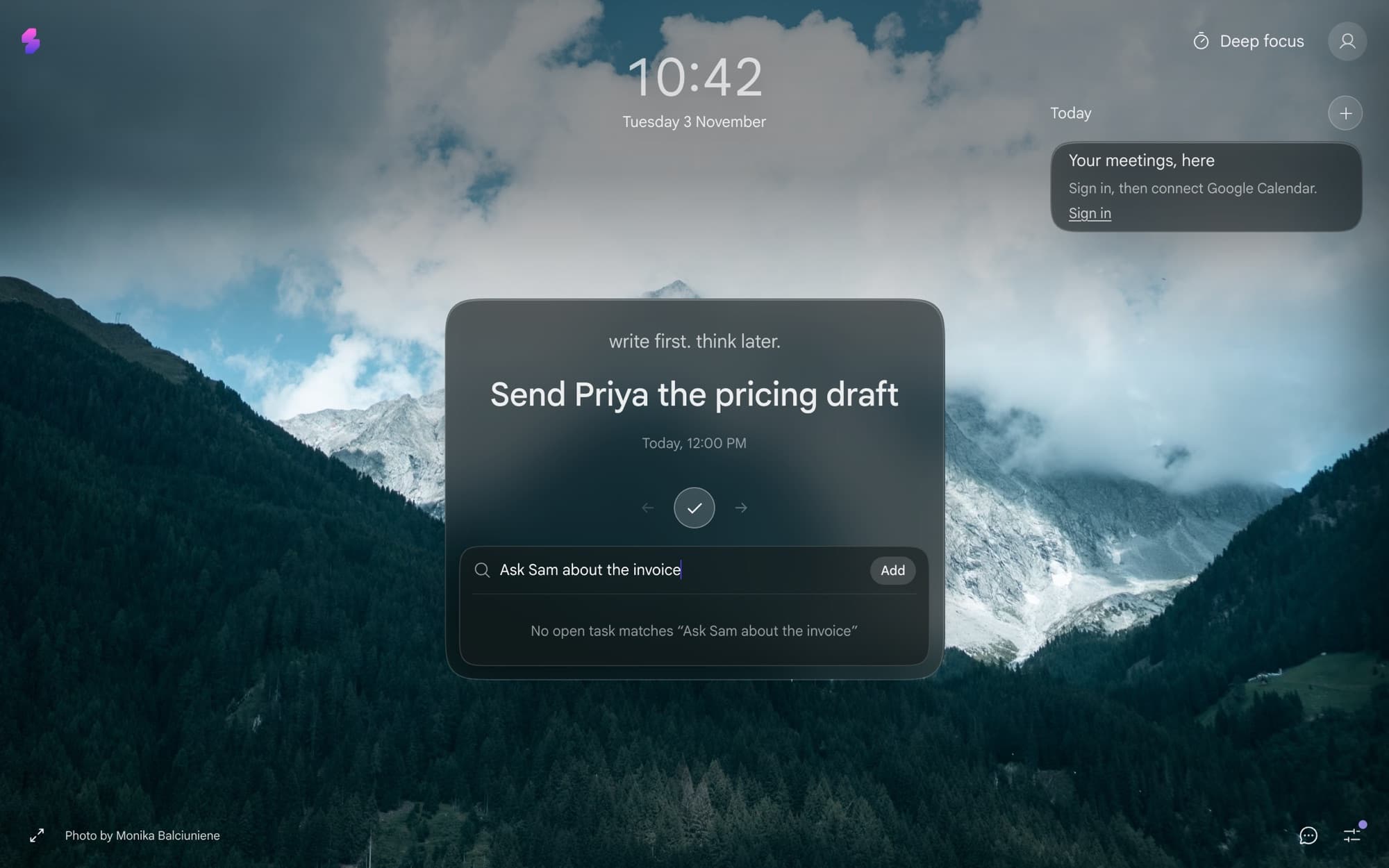 Claims checked November 2026Slaet vs MomentumMomentum's notes, extra to-do lists, your own photos and custom fonts are Plus features. In Slaet, tasks, lists and notes just come with it.Read the comparison
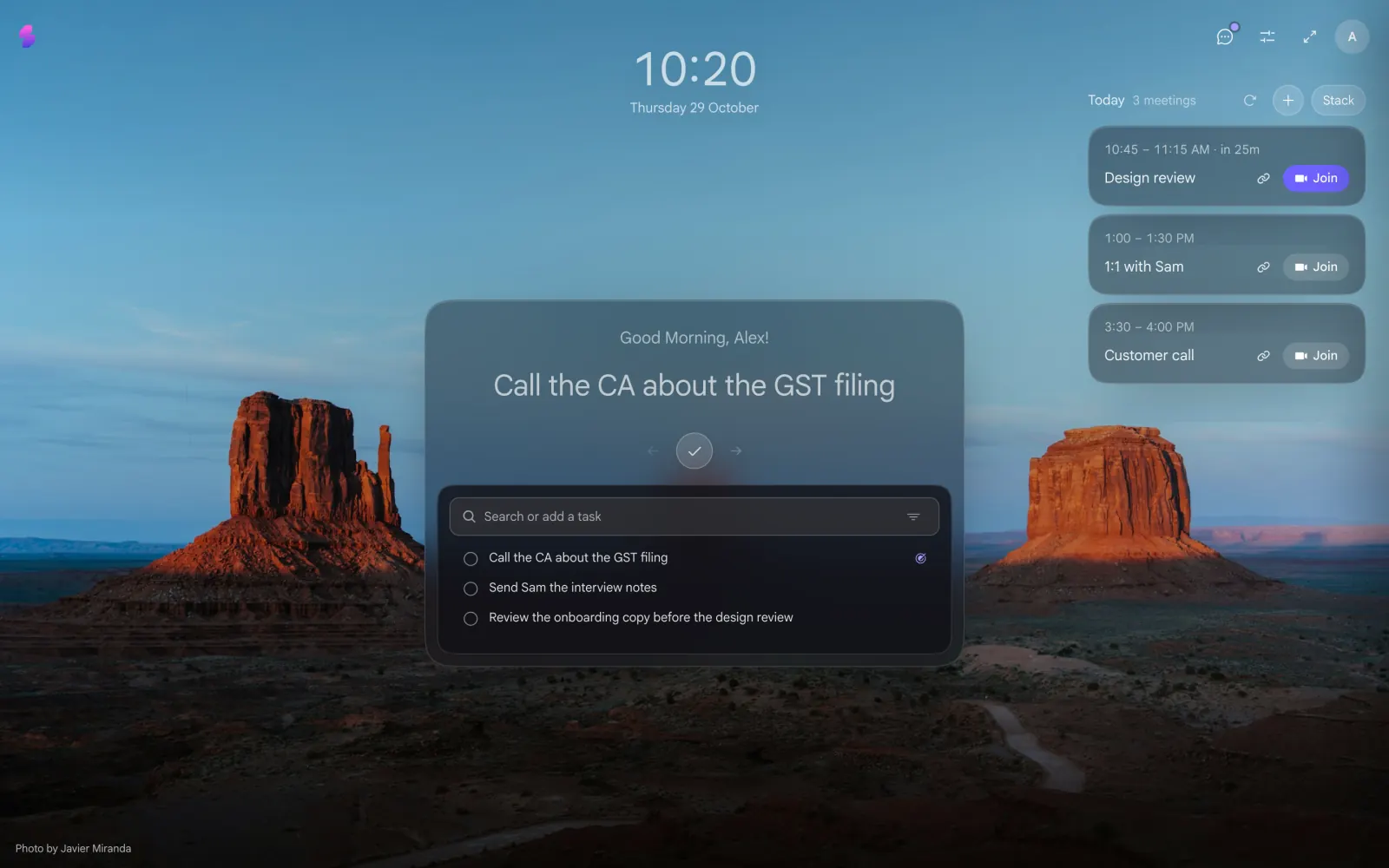 Claims checked August 2026Slaet vs TablissBoth are free and neither needs an account. The difference is depth: Tabliss gives you a to-do widget, Slaet gives you a workspace.Read the comparison
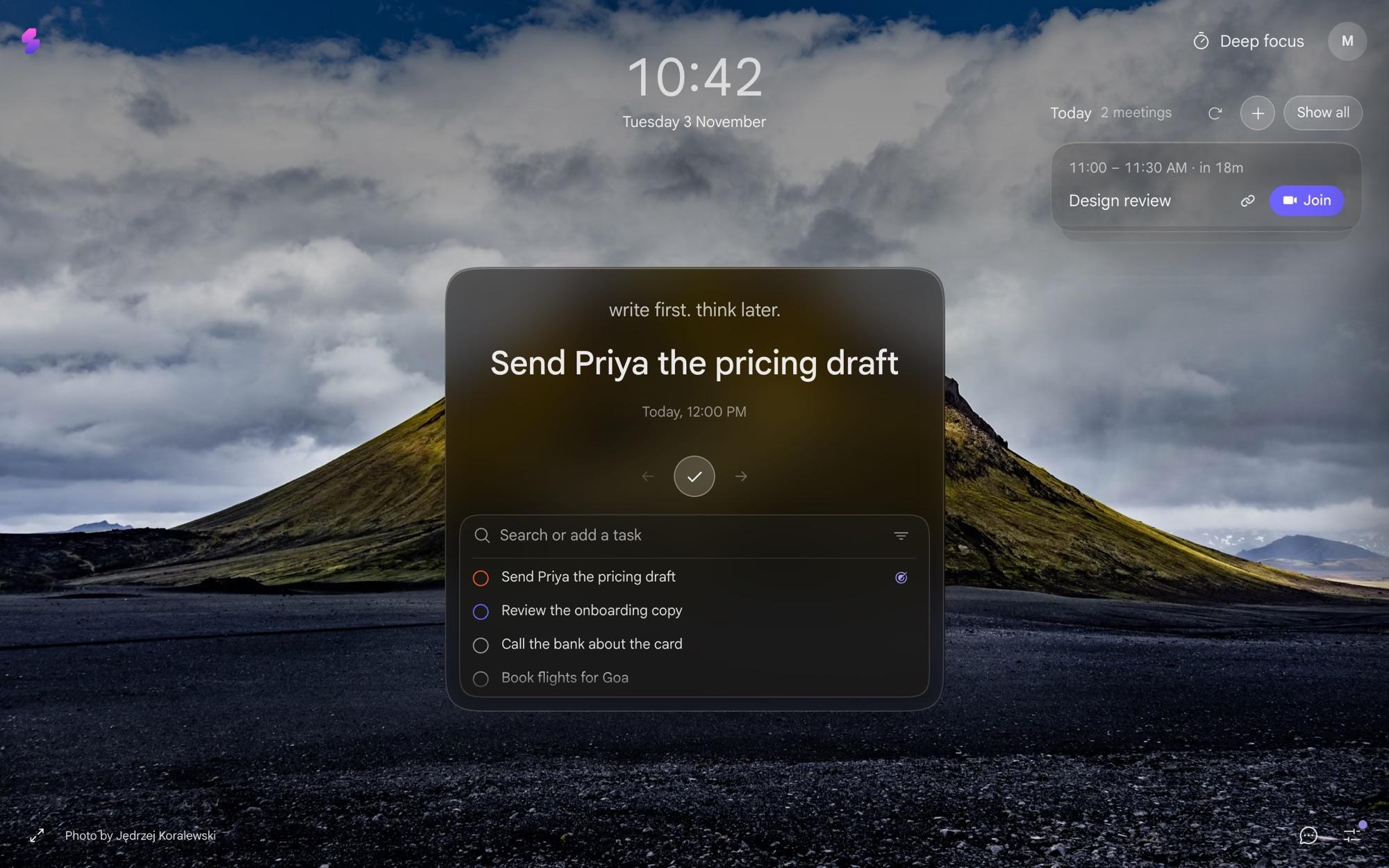 Claims checked August 2026Slaet vs Infinity New TabInfinity organises links. Slaet organises work. If you open the new tab to act rather than to navigate, that difference is the whole thing.Read the comparison
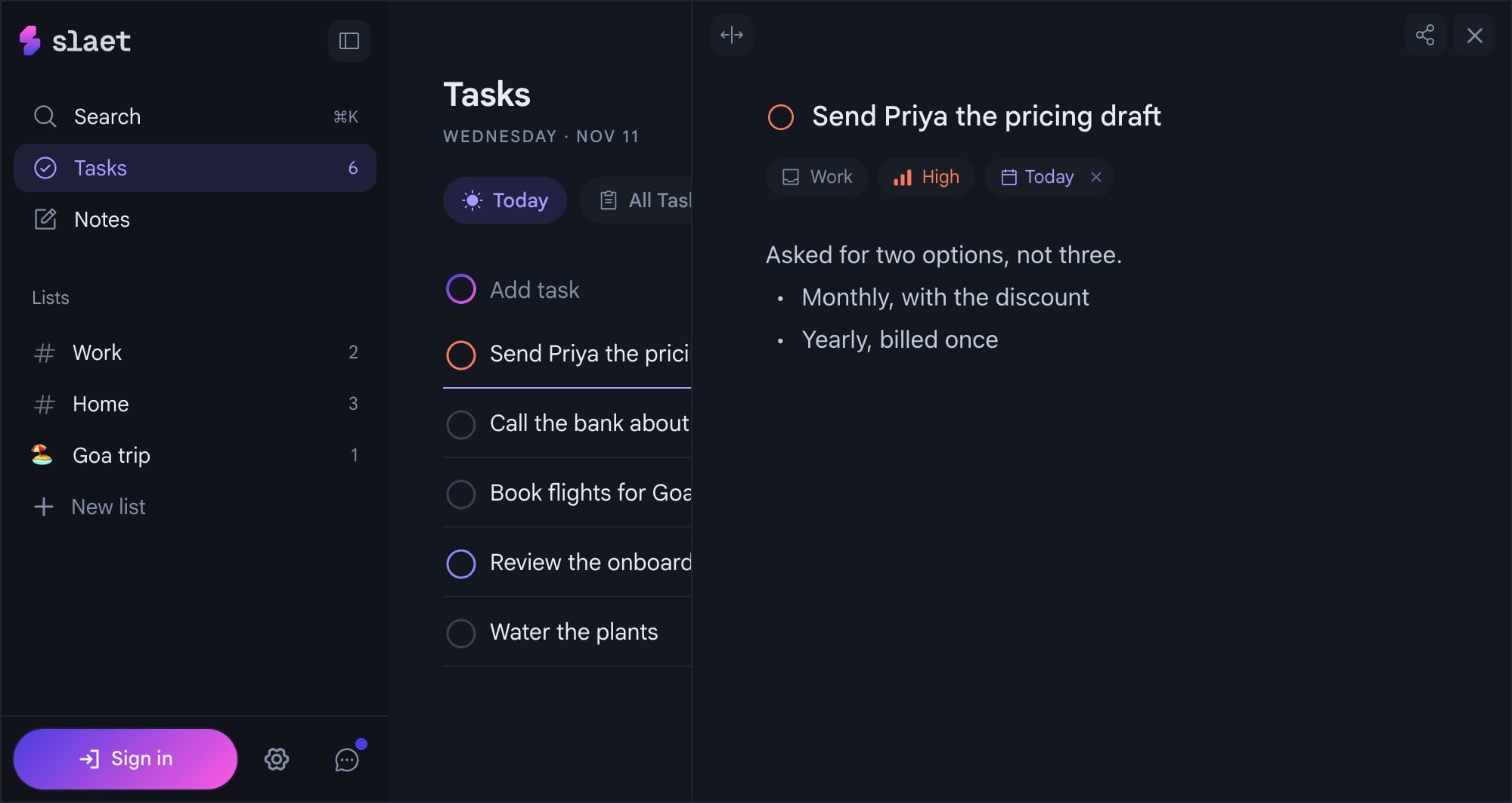 Claims checked August 2026Slaet vs NotionNot a Notion replacement, and it doesn't pretend to be. It's where the note goes when opening Notion is three steps too many.Read the comparison
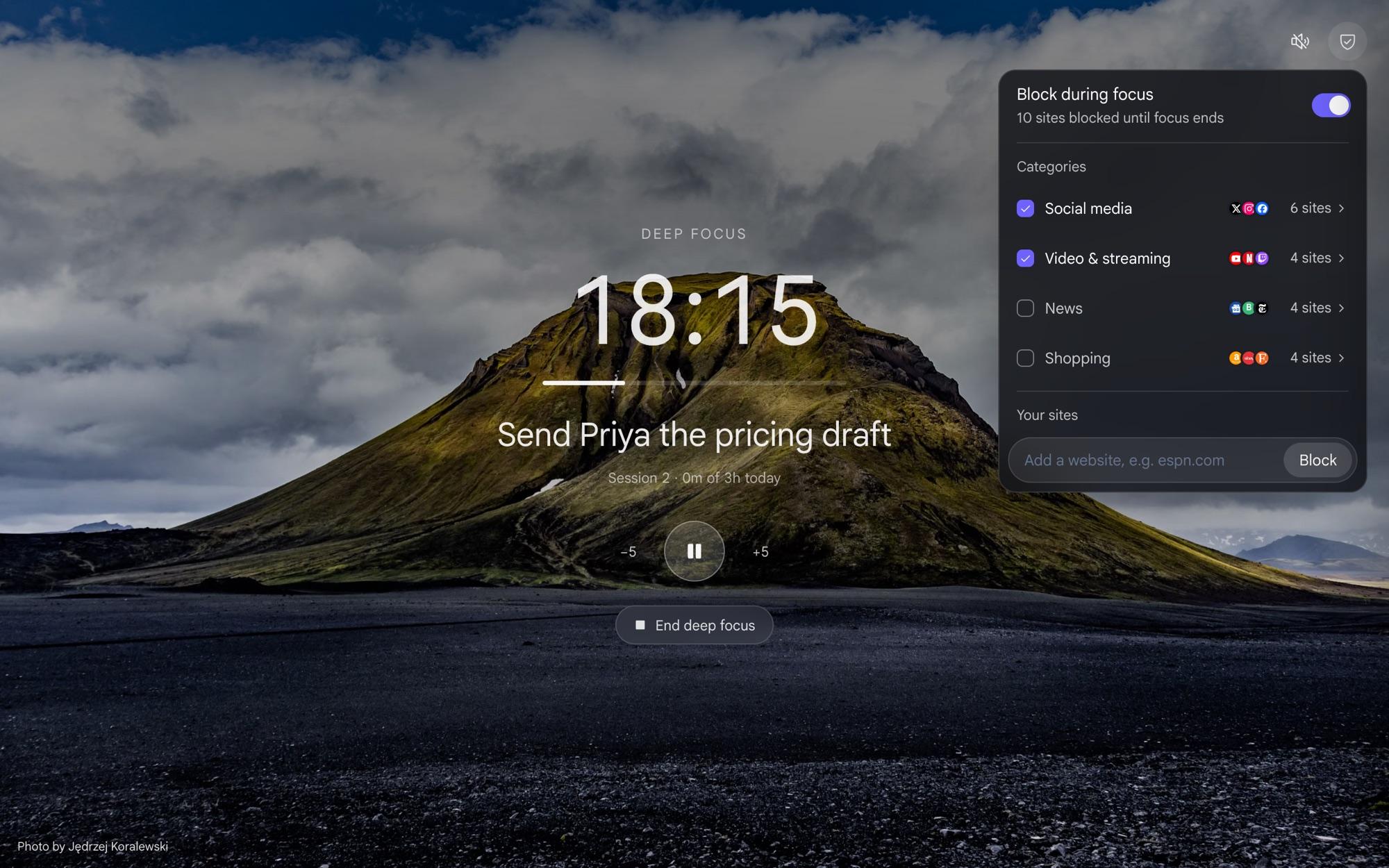 Claims checked November 2026Slaet vs BlockSiteBlockSite is a blocker you set and leave on. Slaet blocks for one focus session at a time, with the task you're doing on the screen.Read the comparison
Which one should you actually use?
Short version, and it isn't always Slaet:
- Your tasks already live in Todoist, Asana or Trello and you want a beautiful dashboard over them. Use Momentum. Slaet connects to Google Calendar, not to other task managers.
- You want sites blocked on a schedule, behind a password, or on your phone. Use BlockSite. Slaet blocks only during a Deep focus session you start.
- You want open source, Firefox support, or endless visual tweaking. Use Tabliss. It's free too, and Slaet doesn't beat it on any of those three.
- The new tab is how you get around the web. Use Infinity New Tab. Slaet has no speed dial at all.
- You need databases, wikis or a team workspace. Use Notion, and keep it. Slaet is where things land first, not a knowledge base.
- You want today's tasks and meetings on the new tab, with real notes one key away, working offline with no account. That's the case Slaet was built for.

See whether it holds up on your own new tab.
No account, no card. Sign in later if you want sync.
Photo by Shaun Low on Unsplash