Daily Habits on Your New Tab: Repeating Tasks With No Streaks
Streaks turn a small daily habit into a test you can fail. Repeating tasks that come back on their own, typed the way you'd say them, with nothing to break.
November 2026 · 3 min read
Habit apps love streaks. Day 1, day 2, day 19. Then one Tuesday you get sick, the counter goes back to zero, and the app you downloaded to feel good makes you feel bad. Most people quit the app around here, and the habit goes with it.
The habit was fine. The streak was the problem. It turned a small daily thing into a test you could fail.
A habit is just a task that comes back
Watering the plants, taking your vitamins, a weekly review on Friday. None of these need a dashboard. They need to show up on the right day, in a place you already look, and get out of the way once they're done.
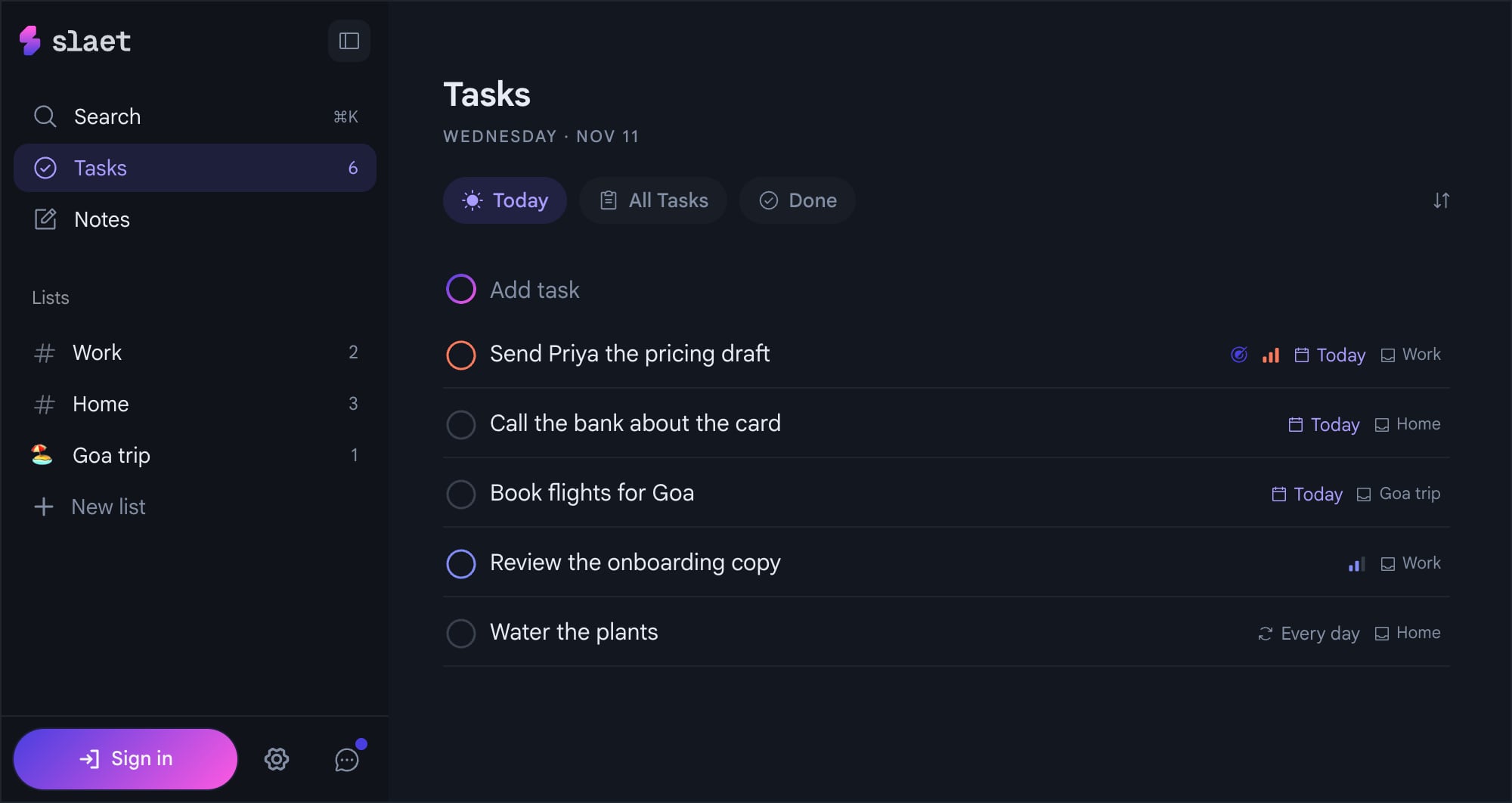
In Slaet that place is your new tab. A repeating task sits in today's list next to everything else. Check it off and it's gone until the next time it's due.
Type the repeat, the way you'd say it
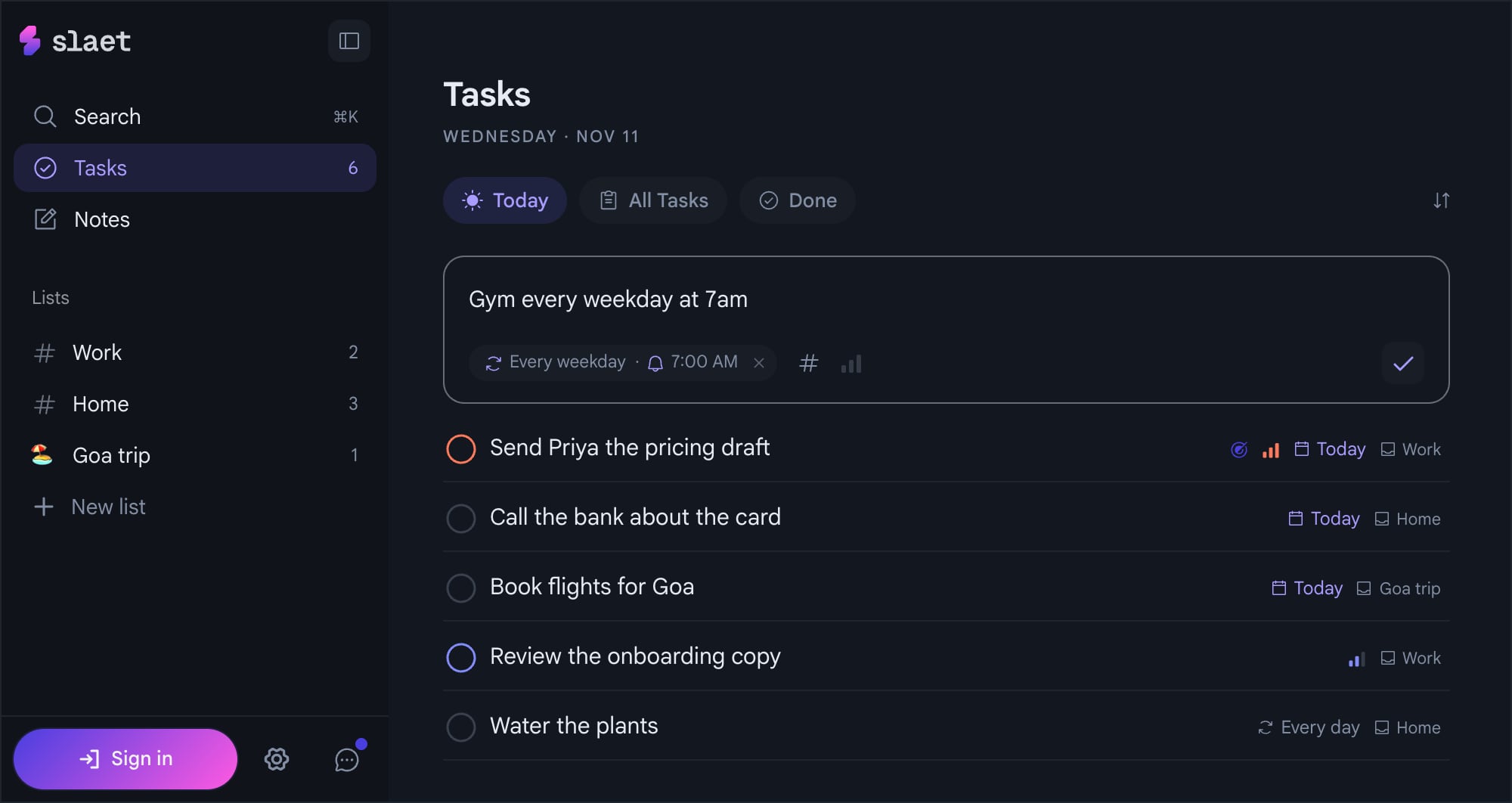
You don't need a settings screen. Write the task with the repeat in it and Slaet reads it as you type:
- “Water the plants every day”
- “Gym every weekday at 7am”
- “Weekly review every friday”
The time becomes a reminder, so your browser tells you when it's time. There's more on how the typing works in reminders in plain English.
What repeats Slaet does, and doesn't
Four kinds: every day, every weekday, every week, and every particular day like every Monday. You can also set a date for the series to end, handy for a 30-day thing.
What it doesn't do: every month, every other day, or every three weeks. If your habits run on those, a dedicated habit tracker will fit better. For the daily and weekly things most people mean by “habits”, it covers it.
No streaks, on purpose
Miss a day and nothing happens. No broken chain, no red number. The task comes back when it's next due and you do it or you don't.
That sounds soft. It's the opposite. The habits that last are the ones that survive bad weeks, and a tool that punishes bad weeks trains you to stop opening it. Why systems fail people, rather than the other way round, is in why you keep forgetting your tasks.
Make it small enough to do on a bad day
One tip that matters more than any feature: write the habit at the size you'd do it on your worst day. “Read one page”, not “read for an hour”. You'll often do more. But the task that comes back tomorrow should never feel like a fight. If one keeps getting skipped, the gap between wanting it and doing it is covered in the intention-action gap.
Frequently asked questions
How do I make a task repeat in Slaet?
Type it with the repeat in plain English, like “water the plants every day” or “gym every weekday at 7am”, and Slaet picks it up as you type. You can also set Repeat on any task to every day, every weekday or every week.
Can a task repeat every month?
No. Slaet repeats tasks every day, every weekday, every week or on a chosen day of the week. Monthly, every other day and every few weeks aren't supported.
Can a repeating task stop on a date?
Yes. Set Repeat ends on the task, and the series stops after that date.
Is there a streak counter?
No. A repeating task comes back when it's due, and missing a day doesn't reset anything, because there's nothing to reset.
Slaet for Chrome, Brave and Edge
Daily and weekly tasks that come back on their own, on every new tab.