Why You Keep Forgetting Your Tasks (It's Your System, Not You)
You write the task down. You feel organized for a moment. Then you close the app, return to work, and forget the list exists.
A few days later the task comes back — usually when it is late, urgent, or inconvenient. So you blame yourself: I need more discipline. I need to be more consistent. I need a better habit.
There is a flaw in that diagnosis.
Your task system is asking you to remember to use the thing that is supposed to help you remember.
That is not a motivation problem. It is a design problem.
The hidden task inside every task manager
Most task apps contain an invisible first task:
Only after you complete that one can you see everything else.
That works when the app is new, your motivation is high, and checking it still feels rewarding. Ordinary days are messier. You move between tabs, messages, documents, meetings, and half-finished thoughts. The task manager disappears behind everything else, and the habit of checking it has to compete with the work itself.
The problem is not that your list is badly organized. The problem is that it is absent at the moment you need it.
A task can be perfectly written, carefully tagged, and correctly prioritized — and still fail, because it never returns to your attention.
The friction ledger
Every step between having a thought and storing it is a place the thought can die. Count yours:
| Step | Typical task app | New-tab capture |
|---|---|---|
| Remember the app exists | Required | Not required |
| Switch window or open app | Required | Not required |
| Wait for load or sync | Usually | No |
| Navigate to the right project | Usually | No |
| Choose a list, tag, or label | Often | No |
| Set priority or due date | Often | Optional |
| Steps before you can type | 4–6 | 1 |
A keyboard-shortcut power user can get a conventional app down to two steps. Most people never set that up. The default path is the one that decides whether the thought survives.
Your brain has to remember when to remember
Psychologists call this prospective memory: remembering to carry out an intention in the future.
“Send the invoice” is not only information you need to store. Your brain also has to retrieve that intention at the useful moment — when you are at your computer, the file is available, and you can actually act.
That retrieval is fragile. Attention moves. Context changes. New information arrives. The intention still exists somewhere in memory, but it does not surface when action is possible.
This is why forgotten tasks feel strange. You did not stop caring. You just stopped encountering a cue strong enough to bring the intention back. It is the same mechanism behind forgetting to check a list you already wrote.
Event cues beat time cues
Prospective memory research draws a useful distinction between two kinds of triggers.
A time-based cue asks you to remember at a moment — at 3pm, do this. Between now and 3pm, you carry the monitoring load yourself.
An event-based cue is a thing you encounter — an object, a place, a situation — that carries the reminder for you. You do not have to watch the clock. You just have to arrive.
Event-based cues are recalled more reliably, and the reason is structural rather than motivational: they move the remembering out of your head and into the environment.
Most task systems are built almost entirely on time cues. That is the design flaw. A better system does not demand perfect recall — it creates reliable event cues.
Good task systems do three things
A task system needs more than storage. It needs a loop.
1. Capture the task before it disappears
The distance between thinking of a task and writing it down should be tiny.
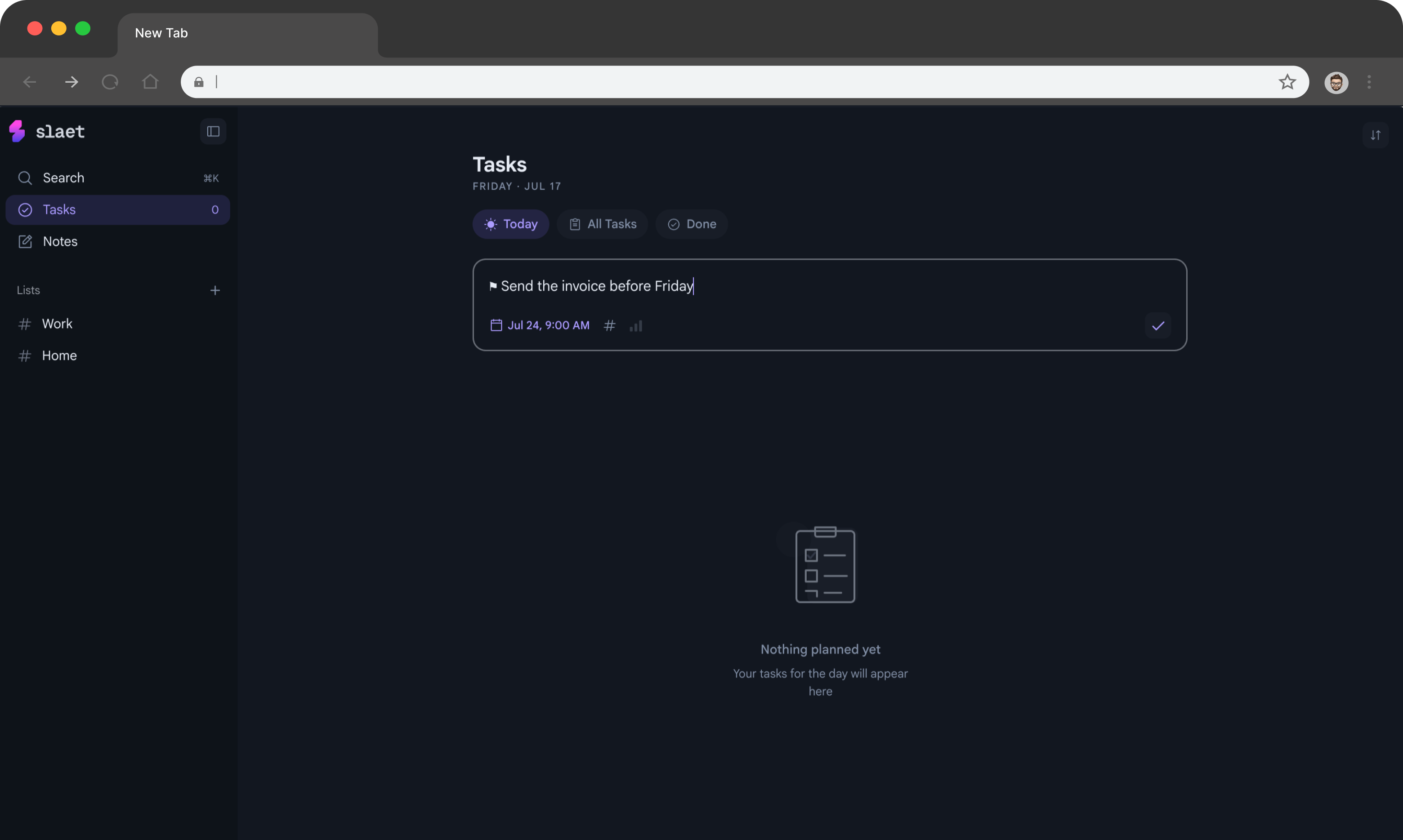
Every extra step — finding an app, opening the correct project, choosing a label, deciding where the task belongs — is another chance to say I will do it later. By then the thought may be gone. This is the whole argument for a quick-capture inbox that sits where you already are.
Capture should feel easier than ignoring the task.
2. Resurface it where action begins
A list you never see is an archive, not a task system.
The strongest cue is usually not another notification. It is a place or action already built into your day: opening your laptop, starting work, entering the kitchen, opening a new browser tab.
Habit research links repetition in a stable context with growing automaticity. The environment starts carrying part of the behavioral load. Instead of repeatedly deciding to check your tasks, the context prompts the behavior for you.
3. Make the next action obvious
“Website” is not a useful task. “Write the first draft of the pricing-page headline” is.
A vague task forces you to decide what it means every time you see it. A concrete task reduces the effort required to begin — and it is easier still when the context lives on the task itself.
This is also why simple if–then plans help: “When I open my first work tab, I will choose today's top task.” Research on implementation intentions has found that connecting a specific cue to a specific action meaningfully improves follow-through.
Audit your own system
Three questions. Any no is where your tasks are leaking.
| Test | What failure looks like |
|---|---|
| Capture — can you record a task in under five seconds? | You think “I’ll add it later.” You don’t. |
| Resurface — will you see it again without deciding to look? | You rediscover tasks a week late, by accident. |
| Act — is the next physical action obvious? | You read the task, feel vague dread, scroll past it. |
The best reminder may be a place you already visit
You probably open a new browser tab many times during a normal workday.
You open one to search. Another to check a reference. Another because you forgot what the first tab was for.
That repetition makes the new tab unusually useful as a cue: it is already part of your behavior. There is no new routine to learn and no separate app to remember. It is an event cue you encounter dozens of times a day without deciding to.
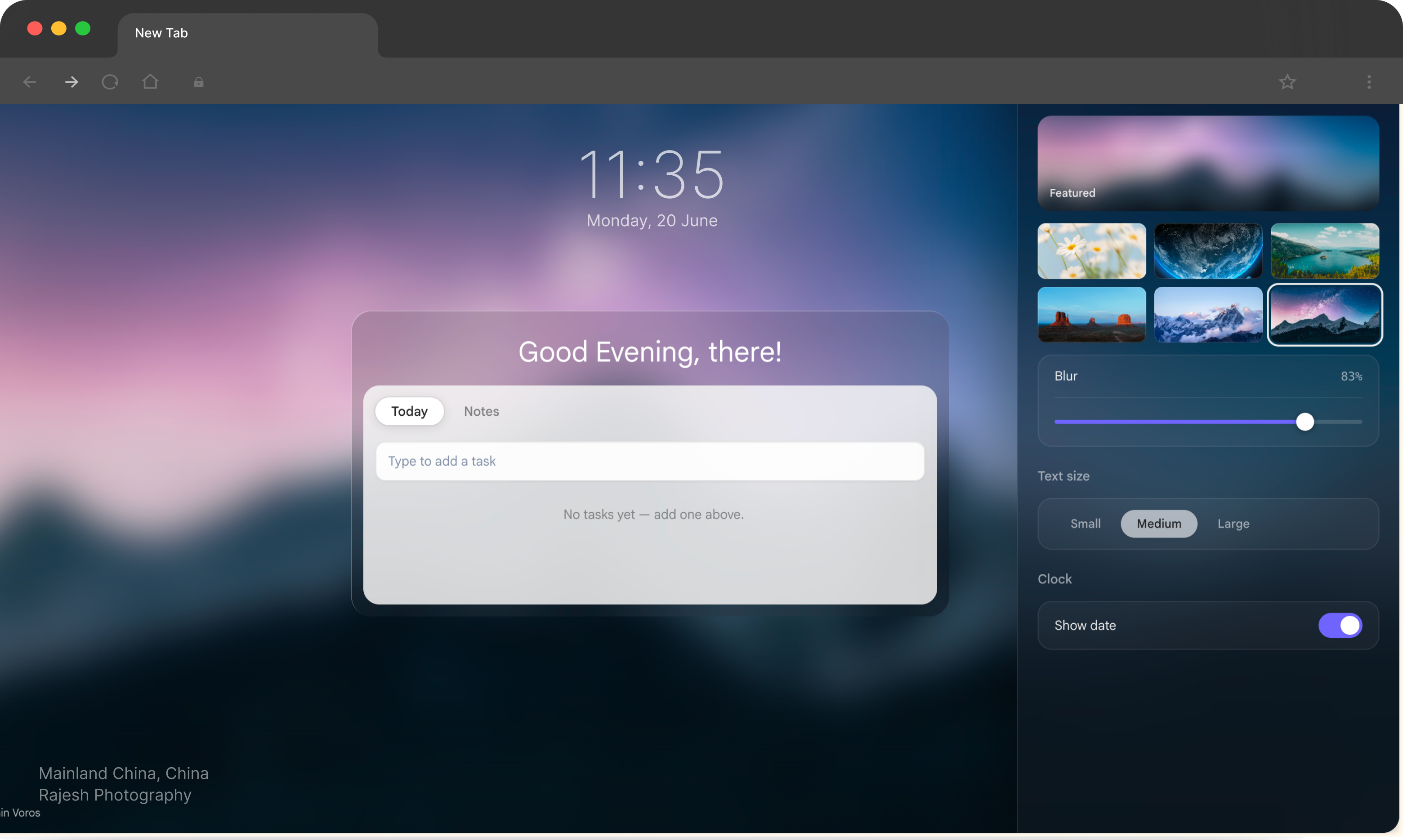
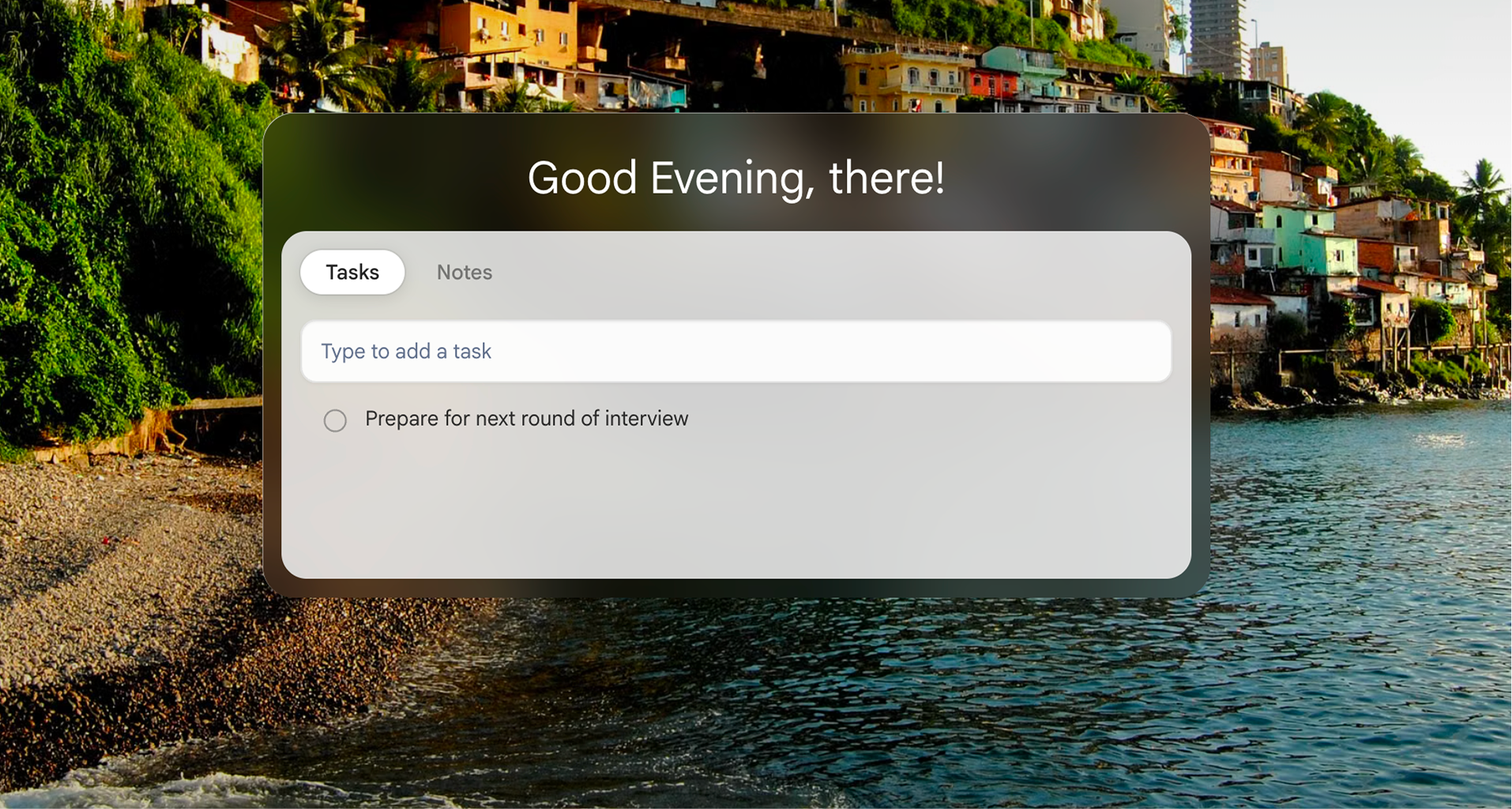
Slaet puts your tasks and notes directly on that new tab. When you start browsing, change direction, or come back after a distraction, the list is already there. You do not summon the system — the system meets you.
That changes the psychology of task maintenance:
- Capture becomes immediate. Open a tab and write.
- Review becomes incidental. You see the list while doing something you already do.
- Returning becomes easier. After a distraction, your current tasks are visible again.
- Consistency depends less on motivation. The environment provides the cue.
Slaet is not trying to make you spend more time managing tasks. It is designed to remove task management as a separate activity — which is usually where heavier productivity apps lose people.
Use reminders for moments, not for everything
Not every task needs an alarm.
Too many notifications become background noise. But some intentions really are tied to a moment: call someone at 3pm, send a file before a meeting, renew a subscription on Friday.
For those, a reminder should carry enough context to make action easy. “Invoice” asks you to reconstruct the intention. “Send the June invoice to Maya before 4pm” tells you what to do and why it matters.
Slaet keeps everyday tasks visible on the new tab and lets you add reminders in plain English when timing genuinely matters. The list handles continuity. The reminder handles the moment.
Where your system probably breaks
| Symptom | Broken link | Fix |
|---|---|---|
| Tasks live in your head, never written | Capture | Cut the steps between thought and text field |
| Long list you rarely open | Resurface | Attach the list to something you already do |
| You see the task and skip it | Act | Rewrite it as a physical next action |
| You remember it at 11pm, not at your desk | Resurface | Use an event cue, not a time cue |
Build a system that does not depend on your best day
Plenty of productivity systems work beautifully when you are rested, focused, and motivated.
A useful system also works when you are busy, distracted, tired, or already behind.
Use this standard:
Can I capture a task in seconds? Will I see it again without remembering to look? Is the next action clear when it returns?
When the answer is yes, consistency stops feeling like a personality trait. It becomes the output of a well-designed loop.
You do not need to become the kind of person who remembers every task.
You need a system that remembers to show them to you.
Research behind this article
- Prospective memory. Einstein and McDaniel's work distinguishes event-based from time-based prospective memory, and finds event-based cues — an object or situation you encounter — are recalled more reliably than time-based ones, where you carry the monitoring load yourself.
- Habit formation. Lally et al. (2010), European Journal of Social Psychology, followed 96 people forming daily habits. Median time to automaticity was 66 days, ranging from 18 to 254 depending on the behavior — and repetition in a stable context was the strongest predictor.
- Implementation intentions. Gollwitzer and Sheeran (2006) meta-analyzed 94 independent studies and found if–then plans produced a medium-to-large effect on goal attainment.
Slaet is a free Chrome extension and web app
Put your tasks where your work already begins — on every new tab, with your search engine untouched.
Add Slaet to Chrome