Weather on Your Chrome New Tab, Only When It Matters
A weather app only helps if you open it at the right moment. Put the forecast on the tab you open forty times a day, and get the umbrella warning before you need it.
November 2026 · 3 min read
You check the weather at 8am. It says rain from 3. By 3 you're a twenty-minute walk from home with no umbrella, because at 8am you were thinking about everything except an umbrella.
A weather app only helps if you open it at the right moment. You won't. You will open about forty new tabs today, though.
Weather where you already look
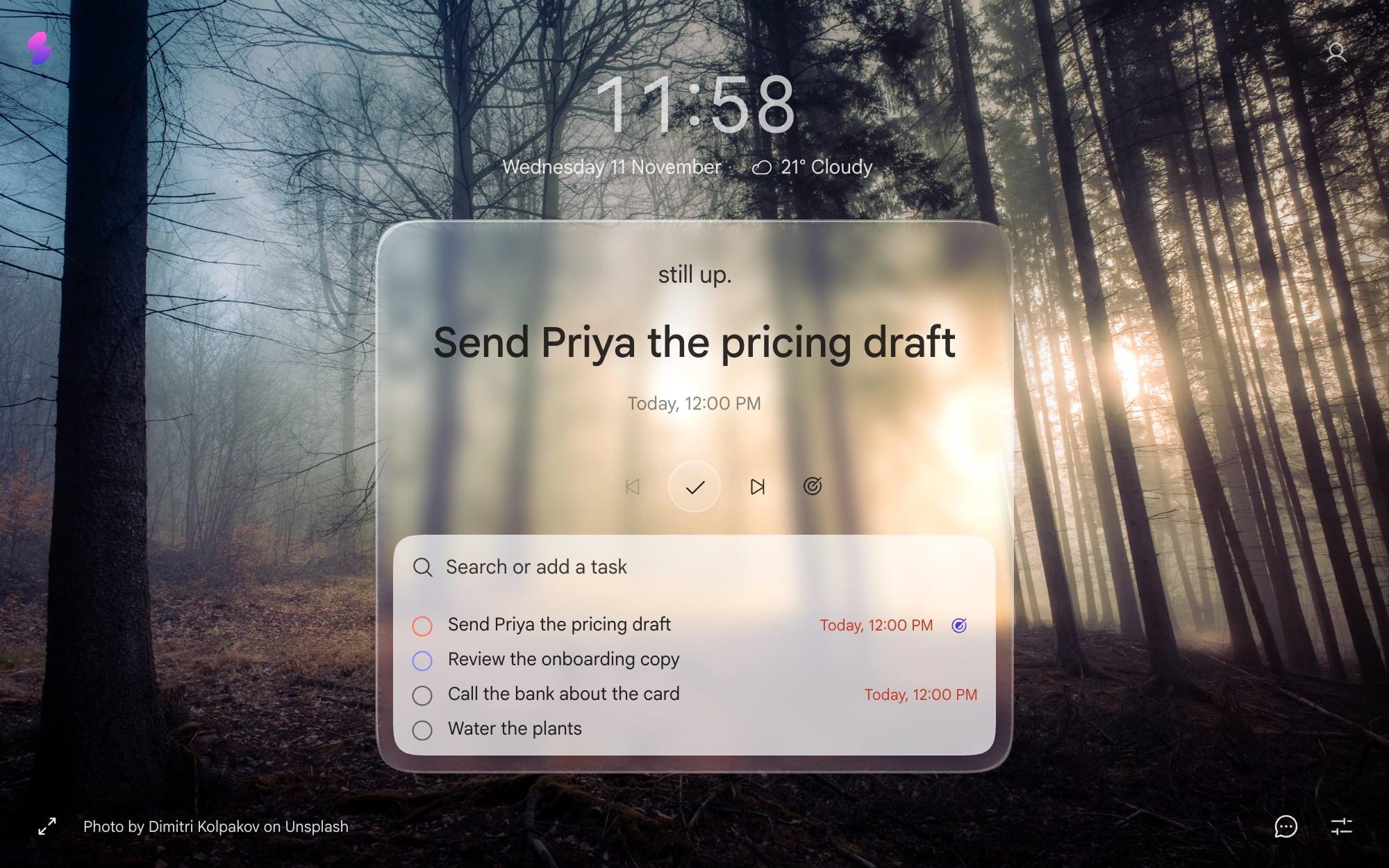
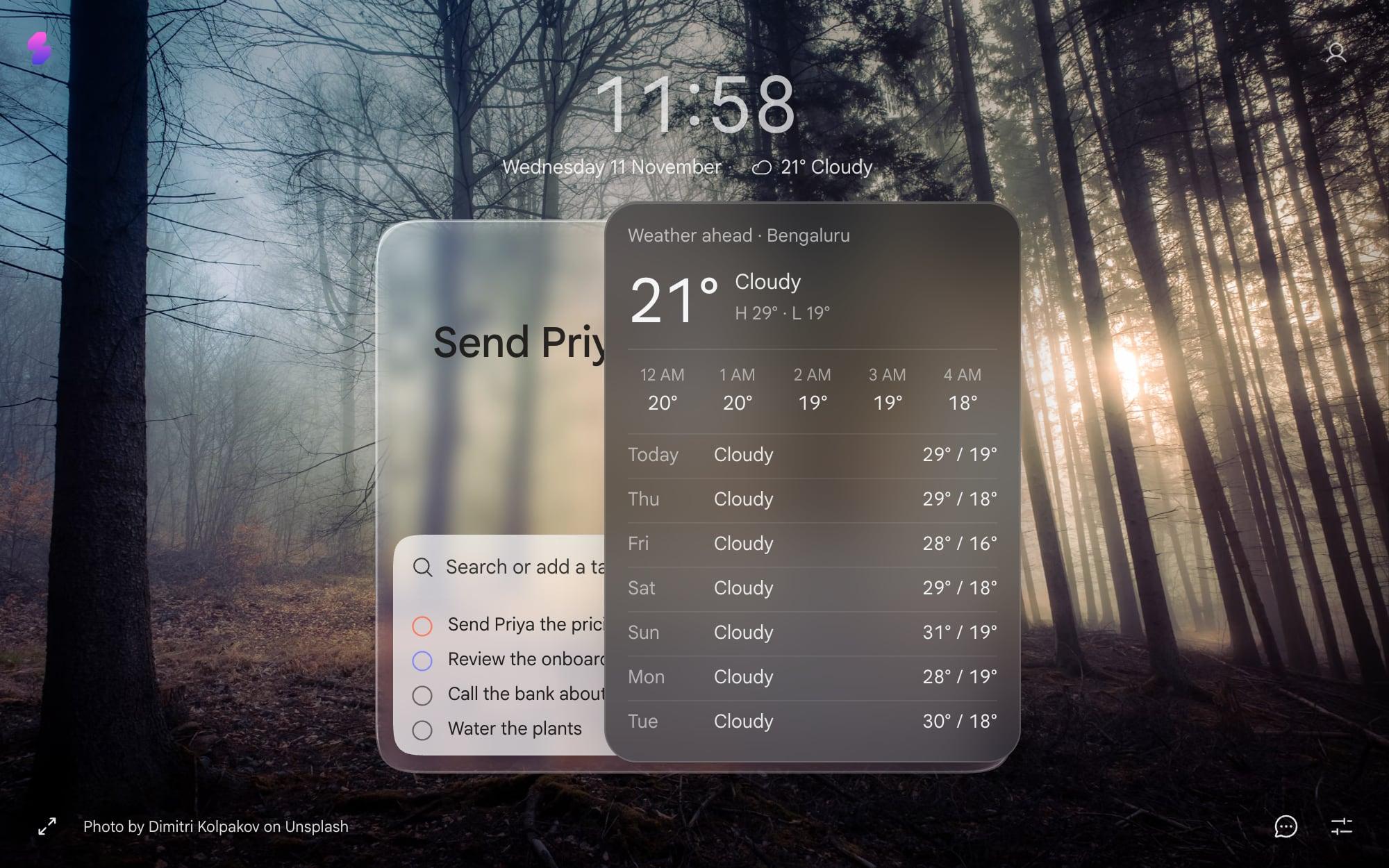
Slaet can put the weather on your new tab, next to the date under the clock: the temperature and what the sky is doing. Click it and the week opens up, with the next few hours and seven days of highs and lows.
Only when it matters
Here's the part I like most. You can tell Slaet to show the weather always, or only in the mornings and when rain is on the way.
On a dry afternoon the new tab stays clean. When rain is coming, it says so, with the time: “Rain from 3 PM · take an umbrella”. One line, on a tab you were opening anyway, a few hours before you need it.
How to turn it on
- Open a new tab and press the sliders icon at the bottom right to open Settings.
- Under Layout, switch on Weather.
- Allow your location, or search for a city if you'd rather not share it.
- Pick °C or °F, and choose Always or Mornings + rain.
Weather is off until you switch it on, so nobody gets a location prompt they didn't ask for.
What happens to your location
The forecast comes from Open-Meteo, an open weather service. Your location stays on your device and goes only to Open-Meteo to fetch the forecast. Slaet's servers never see it. If you'd rather not share it at all, a city works just as well.
The rest of the new tab
Weather is one block among a few. Today's meetings can sit on the same tab (see today's meetings on every new tab), and your most-visited sites can sit under the card (see your most-visited sites, back). Everything else you can change, from the clock to the glass, is in how to customize your new tab.
Frequently asked questions
How do I add weather to my Chrome new tab?
With a new tab extension that shows it. In Slaet, open Settings from the sliders icon at the bottom right of the new tab, switch on Weather under Layout, then allow your location or search for a city.
Where does Slaet get the forecast?
From Open-Meteo. Your location stays on your device and is sent only to Open-Meteo to get the forecast.
Can I see the weather for a different city?
Yes. Search for any city in Settings instead of using your location. That's also the way in if your browser blocks location for Slaet.
Does it show Fahrenheit?
Yes. Switch the units between °C and °F in the weather settings.
Slaet for Chrome, Brave and Edge
Today's tasks, and the umbrella warning, on every new tab.